Figma to WordPress Conversion Service in Multan | Pixel-Perfect WordPress Development

A finished Figma design is only the visual plan. It still needs to be translated into a working website with the right WordPress structure, responsive behaviour, content controls, forms, integrations and performance setup. Our Figma to WordPress Conversion Service Multan is for businesses, agencies and designers that already have an approved interface and need it developed accurately in WordPress. We focus on keeping the visual system consistent while making the final website practical to edit, responsive across common screen sizes and ready for search, analytics and future updates. The goal is not to copy a screenshot into a page builder. A professional conversion should preserve the design intent while turning components, typography, spacing, imagery and interactions into a maintainable WordPress website.
Fast & Secure

Optimized for speed and security

Fully Responsive

Looks great on all devices

SEO Friendly

Built for higher rankings

Projects Done
0 +
Success Rate
0 %
Year's Experience
0 +

Professional Figma to WordPress Conversion Services in Multan

Figma to WordPress conversion is the process of turning an interface designed in Figma into a functional WordPress website. The work normally includes reviewing the design system, building page layouts, setting responsive rules, connecting editable content, configuring forms or required plugins, testing key interactions and preparing the site for launch. Depending on the project, the build may use Elementor, WordPress themes and theme development, WooCommerce, or focused custom code where a standard widget cannot reproduce the required behaviour properly.
This is also why Figma to WordPress development services should start with a design and requirements review. Not every Figma frame should be treated as a fixed picture. Repeated sections should become reusable patterns, dynamic content should be planned properly, and responsive behaviour should be defined rather than guessed.

Our Figma to WordPress Conversion Process

A clear process helps protect the approved design and reduces avoidable rework. We move from design review to development, responsive implementation, testing and final optimization.

Figma Design Analysis and Development Planning

We first review the Figma file, page count, components, typography, spacing, grids, image assets, interactive states and any mobile or tablet frames that are available. At this stage, we also identify what should be editable in WordPress, which sections repeat across pages, whether forms or integrations are needed, and whether the project is better suited to Elementor, a custom theme or another WordPress approach. This planning stage matters because visual similarity alone does not define a successful build. A page may look correct on one screen and still be difficult to maintain or unreliable on other devices. The development plan therefore connects the design system with WordPress structure, content editing and technical requirements.

Pixel-Perfect WordPress Development

Pixel perfect WordPress conversion means recreating the approved visual relationships as accurately as practical: spacing, alignment, typography, section widths, image placement, buttons, cards and component states. It does not mean forcing every element into fixed pixel positions regardless of screen size. Real websites contain changing content and run on different devices. The better approach is to reproduce the Figma design faithfully while using flexible containers, consistent spacing rules and reusable styles. For Figma to Elementor conversion projects, we use native Elementor controls where they can reproduce the design cleanly and keep the page editable. Focused CSS or custom functionality can be added where the design requires behaviour that standard widgets do not handle well.

Responsive Design Implementation

Responsive WordPress website development is not simply shrinking the desktop layout. Desktop, tablet and mobile screens have different space constraints. Navigation may need to change, columns may stack, typography may scale, images may crop differently and interactive elements need enough space for touch input. If responsive frames are already present in Figma, they provide the clearest reference. If they are not, responsive behaviour should be interpreted from the design system and content priorities rather than created randomly. Important information and calls to action should remain easy to understand on smaller screens.

Testing and Website Optimization

Before launch, we compare the WordPress implementation against the Figma reference and test the website in practical conditions. Testing can include page layout, responsive breakpoints, navigation, buttons, forms, links, image behaviour, browser compatibility, WordPress editing, WooCommerce functions where relevant and performance issues caused by oversized media or unnecessary scripts. We also review the structure for basic SEO readiness, including crawlable text, sensible heading hierarchy, internal linking opportunities, image handling and page performance. Testing does not guarantee search rankings, but it reduces technical and usability problems that can weaken the finished website.

Beyond Pixel-Perfect Conversion: Building WordPress Websites That Perform
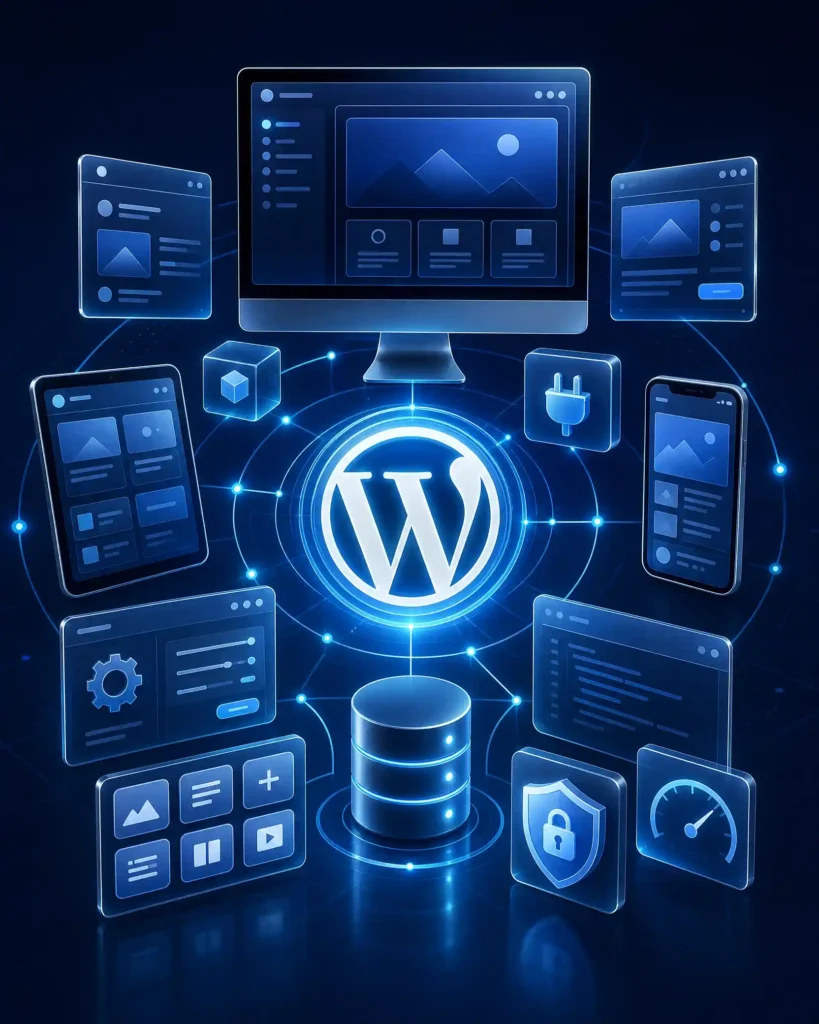
A visually accurate website can still be a poor business website if it loads slowly, becomes difficult to edit or hides important content from users and search engines. That is why our Figma to WordPress conversion work treats performance, SEO-ready structure and scalability as development requirements rather than optional additions after the visual build is complete. Performance starts with implementation choices. Page speed can be affected by oversized images, unnecessary scripts, heavy animation and poorly chosen plugins. Large images should be compressed and served at appropriate sizes. Fonts, animations, third-party scripts and plugins should be used deliberately. Repeated styles should be handled consistently instead of being recreated differently on every page. SEO-friendly implementation starts with readable HTML structure, clear headings, accessible text, descriptive links, sensible page hierarchy and crawlable content. WordPress also needs clean internal relationships between core pages, service pages, posts or products where applicable. Scalability means the website should not become harder to manage every time a new page or section is added. Reusable components, global styling, organized CMS fields and a consistent WordPress architecture help future updates remain controlled. This approach supports custom WordPress development without turning every project into unnecessary custom code. The aim is to use the simplest reliable structure that protects the design, functionality and future maintenance needs.
wordpress development service in multan

What Types of Figma Designs We Convert Into WordPress

Different Figma projects need different WordPress structures. The conversion method should match the website purpose rather than forcing every design into the same template.
wordpress development service in multan

Common Challenges During Figma to WordPress Conversion (And How We Solve Them)

The main difficulty in a Figma to WordPress project is that a design file and a live website behave differently. One common issue is incomplete responsive design. A Figma file may show desktop screens but leave tablet and mobile behaviour undefined. Instead of scaling everything down, we decide which content should stack, resize, hide or remain prominent based on the original visual hierarchy. Another issue is inconsistent design tokens. Similar headings, buttons or cards may use slightly different spacing or font values in separate frames. During development, these patterns should be normalized where appropriate so the WordPress build remains consistent and easier to maintain. Content length can also create problems. Figma often uses carefully controlled sample text, while real website content may be longer. Flexible containers and sensible spacing rules help the layout accommodate real content without breaking. Complex animations and interactions need separate attention as well. Some can be recreated with lightweight CSS or JavaScript, while others may require a plugin or custom implementation. We assess whether the interaction adds real value before adding unnecessary front-end weight. The final challenge is editability. A page can be visually accurate yet fragile if every small change requires a developer. We structure editable areas so common updates remain practical while protecting important layout rules.

Why Choose Professional Figma to WordPress Conversion Instead of Automated Tools?

Automated Figma-to-WordPress tools can be useful for prototypes or simple layouts, but they do not remove the need to review structure, responsiveness, content behaviour and performance. Automatic conversion usually interprets visible layers and frame relationships. A developer can also consider what those elements are meant to do after launch. A professional conversion can make decisions about:
The choice is not “manual good, automation bad.” Automated tools can reduce repetitive setup in the right situation. The question is whether the generated result produces a stable, maintainable and accurate website for the project requirements. For a production website, professional review is valuable because visual export is only one part of the job.

Why Choose Our Figma to WordPress Conversion Service in Multan?

Our approach is based on converting the approved design into a website that can actually be used, managed and expanded.

Design Accuracy + Business Performance

We pay attention to visual accuracy, but we also consider usability, page speed, navigation and the action the website is expected to support. The target is not a static replica that only looks correct in a screenshot.

Local WordPress Expertise in Multan

For businesses in Multan, working with a local WordPress development provider can simplify communication and project coordination. The service can also connect naturally with wider website development, Local SEO, maintenance and redesign requirements when those services are genuinely needed.

Future-Proof WordPress Architecture

A maintainable build uses reusable design patterns, organized styles and clear editing controls. This makes future content changes, new pages and maintenance easier than a page built from disconnected one-off settings.

Figma to WordPress Conversion Cost in Multan

Figma to WordPress conversion cost in Multan depends on the amount of development work required, not only the number of Figma frames.
A single landing page with a defined responsive design will usually require less work than a multi-page custom WordPress website with e-commerce functions, advanced interactions and several breakpoints.

Frequently Asked Questions

What is Figma to WordPress conversion?
Figma to WordPress conversion is the development process of turning a website interface designed in Figma into a working WordPress website. It includes page development, responsive behaviour, editable content, WordPress configuration, testing and any required forms, plugins or integrations.
Yes, the aim is to preserve the approved Figma design as closely as practical. Small implementation decisions may be required for responsiveness, accessibility, real content or WordPress functionality. These changes should protect the design intent rather than redesign the interface without reason.
Yes. Figma to Elementor conversion can be used when the project needs an editable WordPress build managed through Elementor. Native Elementor controls are preferred where practical, with focused CSS or custom functionality added when the approved design requires it.
Yes. Responsive implementation is part of the conversion process. Layouts are tested for desktop, tablet and mobile behaviour so typography, sections, navigation, images and calls to action remain usable across different screen sizes.

It can be. SEO-friendly development includes crawlable content, clear heading structure, responsive design, image optimization, internal-link opportunities and performance-conscious implementation. Development creates the technical foundation, while rankings also depend on content quality, competition, authority and ongoing SEO work.

Can you convert a Figma e-commerce design to WooCommerce?
Yes, when WooCommerce fits the project requirements. The design can be connected to product templates, categories, attributes, variations, cart and checkout functionality. The exact scope depends on the approved Figma screens and required store operations.

The timeline depends on the number of pages, design complexity, responsive references, functionality, integrations, feedback and content readiness. A small landing page and a custom WooCommerce website should not be given the same development timeline.

The most useful starting materials are the Figma link, page list, desktop/mobile designs if available, required interactions, fonts and assets, WordPress or hosting details, content status and a clear list of forms or integrations. These inputs make scope, cost and timeline easier to estimate accurately.
Yes, when editability is part of the planned WordPress structure. Common text, image and page content can be made manageable through WordPress, Elementor or appropriate CMS fields while important layout rules remain controlled.
Post-launch support can be included according to the agreed project scope. Ongoing WordPress maintenance may cover updates, backups, fixes, security checks, performance work or content changes as a separate maintenance service.