Website Maintenance Service in Multan | Reliable Website Support

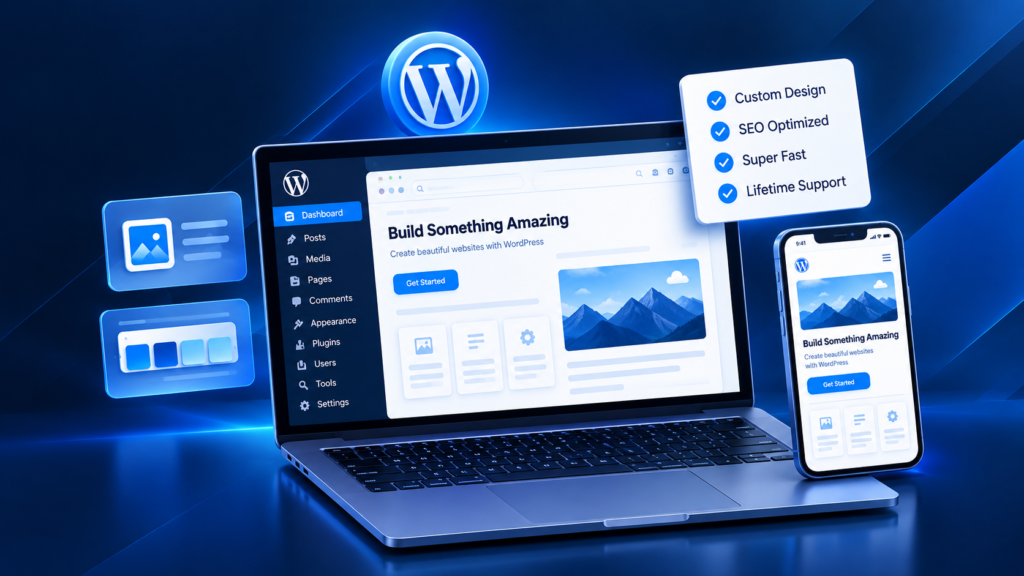
A website can look fine today and still develop problems tomorrow. Software updates, plugin conflicts, expired SSL certificates, broken forms, damaged links, slow pages, failed integrations and outdated content can affect both users and business operations. Our Website Maintenance Service Multan is designed to keep websites secure, updated, recoverable and usable after launch. The work can include WordPress Website Maintenance Multan, Website Updates and Maintenance, Website Backup and Recovery, Website Security Maintenance, Website Performance Monitoring, Website Bug Fixing Services, Website Content Updates and Website Technical Support Multan. For businesses comparing Website Maintenance Services Multan, Website Maintenance Company Multan or Website Maintenance Support Multan, the important question is not simply whether someone can click “update.” Reliable maintenance considers website health, backup readiness, critical functions, compatibility, performance, SEO health and the business impact if something fails. The service is relevant for businesses in Multan and across Pakistan that need ongoing Website Maintenance and Support rather than emergency fixes only after a problem appears.
Fast & Secure

Optimized for speed and security

Fully Responsive

Looks great on all devices

SEO Friendly

Built for higher rankings

E-commerce Website Development Services in Multan

Our e-commerce development services include custom e-commerce website development, WooCommerce, Shopify, e-commerce website design services, migration or redesign, product catalogues, cart and checkout, payment setup, SEO foundations and required integrations. Each part is scoped around the business rather than sold as a fixed feature list.
WooCommerce development in Multan suits businesses that want WordPress-based store management and greater control over hosting, extensions and content. Shopify development in Multan can suit merchants who prefer a hosted commerce platform. Custom online store development is considered when a standard platform cannot support the required workflow cleanly.
Projects Done
0 +
Success Rate
0 %
Year's Experience
0 +

Website Maintenance Services in Multan

Website Maintenance Services Pakistan can cover routine care, technical support and future improvements depending on the website platform and business needs.

WordPress and CMS Updates

WordPress Maintenance Services can include WordPress core, theme and plugin updates after checking compatibility, backup readiness and important website functions.

Website Backup and Recovery

Website Backup and Recovery protects a recoverable copy of the website so changes can be rolled back when necessary. A backup is only useful if it is recent, complete and restorable.

Security Maintenance

Website Security Maintenance can include update hygiene, malware checks, SSL review and basic security-health checks appropriate to the maintenance scope.

Website Bug Fixes and Technical Support

Website Bug Fixing Services address broken layouts, forms, links, scripts, plugins or other functionality. Website Technical Support Multan can also cover diagnosis and repair of agreed technical issues.

Performance Maintenance

Website Performance Monitoring can identify slow pages, heavy assets, plugin impact and other performance concerns that may affect usability.

Content and Website Updates

Website Content Updates can include text, images, service information, product details, team information or other approved content changes.

Future Feature Development

Some maintenance issues require development rather than routine updates. Future features can be scoped separately when new functionality, integrations or structural work is needed.

Website Maintenance Is More Than Updating WordPress — UNIQUE

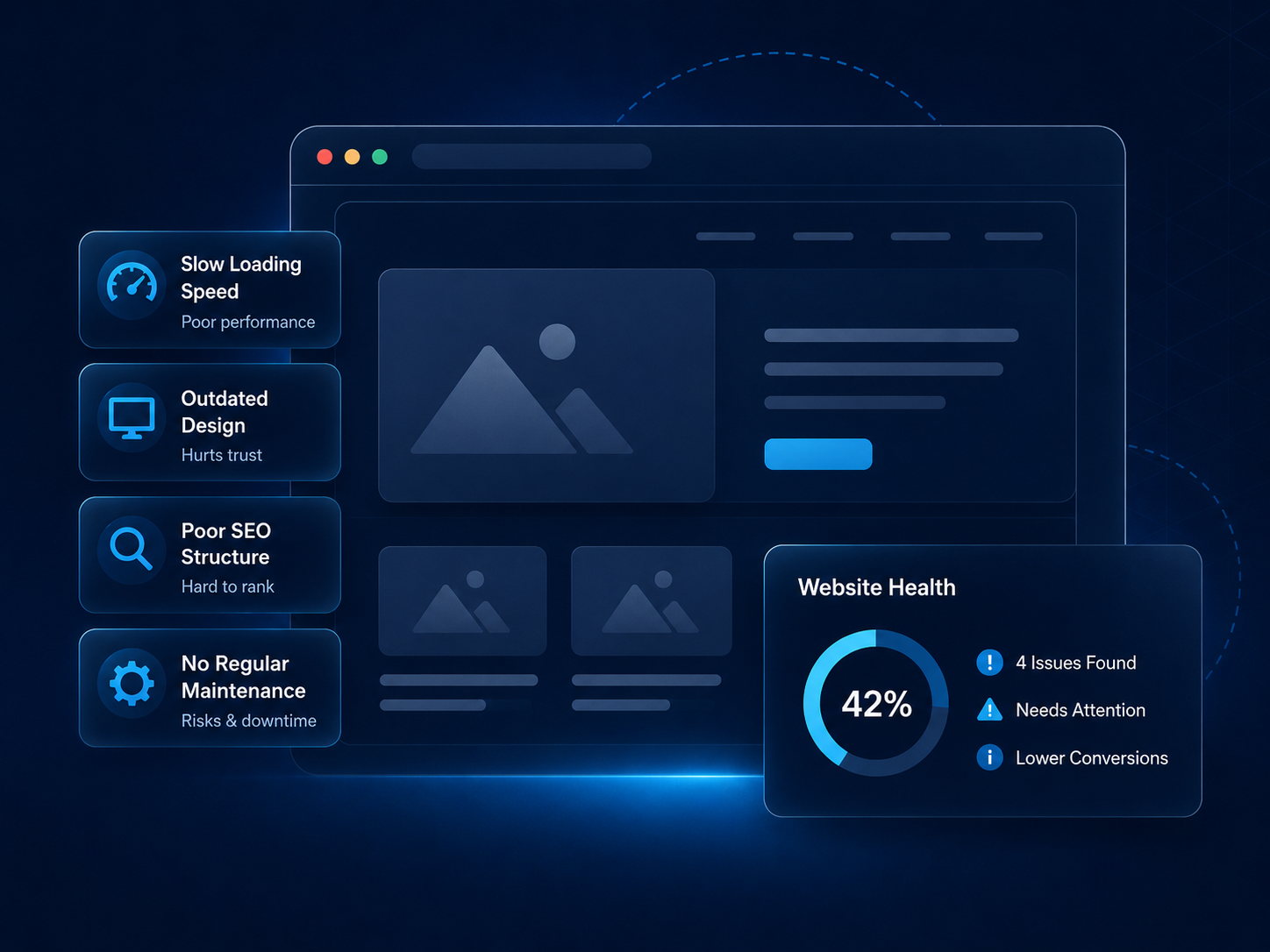
Routine updates are only one part of website maintenance. A healthy website also needs working forms, usable mobile layouts, current content, reliable integrations, valid links, recoverable backups and technically sound pages. Maintenance therefore includes checking whether the website still performs its intended business function after software, hosting, content or integration changes. A site can be technically online but operationally unhealthy if customers cannot submit a form, complete checkout, navigate on mobile or find current business information. The useful relationship is Website Health → Security → Performance → Functionality → SEO → Business Continuity. A website may be fully updated but still lose enquiries if the contact form is broken, frustrate customers if the mobile menu fails, or create search problems if important pages return errors. This is why maintenance should look at outcomes as well as software versions: can users still reach the right pages, understand the content, complete key tasks and contact the business? Protection connects Backup, Recovery, Malware and SSL readiness to the wider maintenance system. Professional Website Support Services therefore look at the condition of the working website, not only the version numbers in the dashboard.

What Should Be Checked Before Updating a Live Website? — UNIQUE

Updates should be treated as controlled changes to a live business system. The safest practical sequence is Backup → Update → Test → Verify → Monitor. Before changing a live website, the maintenance process should establish what currently works, which functions are commercially important and what recovery option is available if the update creates a conflict. This reduces the risk of discovering a broken form, payment flow or layout after customers have already been affected.

Check Current Website Health

Review obvious errors, existing warnings and critical functions first so pre-existing problems are not mistaken for update failures.

Confirm a Recent Backup

Confirm that a current Website Backup and Recovery point exists before changing core software, themes or plugins.

Functionality

List the functions that must still work after the update: forms, login, checkout, payments, search, navigation and important APIs.

Test After Updates

After updating, test the relevant pages and functions rather than assuming a successful dashboard message means the live website is healthy.

What Happens When a Website Update Breaks Something? — UNIQUE

A failed update should be handled through diagnosis and controlled recovery rather than random plugin changes. The practical sequence is Identify → Isolate → Restore/Rollback → Fix Compatibility → Test → Deploy → Monitor. For the question “What should I do if a website update breaks my website?”, the first priority is to protect the working site and identify what changed. Repeatedly updating, disabling or replacing components without a baseline can make the original failure harder to diagnose.

Identifying the Failed Component

Compare what changed and where the failure appears so the affected plugin, theme, script or integration can be isolated.

Checking Plugin or Theme Conflicts

Conflicts can appear when two components expect different versions, hooks or scripts. Testing should narrow the cause before permanent changes are made.

Restoring From a Clean Backup When Necessary

If the live site is unstable, a clean backup or rollback may restore service while the compatibility issue is investigated.

Testing the Fix

The repaired version should be checked against the failed workflow and related functions before it is considered resolved.

Monitoring After Recovery

After recovery, watch the affected area for repeated errors, performance changes or secondary problems.

How Website Maintenance Protects Your Business Operations — UNIQUE

Maintenance has a technical purpose, but the consequences of failure are commercial. Keeping important website functions healthy supports business continuity. A broken form can reduce Lead Generation, a checkout failure can interrupt Sales, an outdated service page can confuse customers, and a security warning can damage Reputation. This is why maintenance priorities should reflect the functions that matter most to the business rather than treating every technical task as equally urgent. Reliable maintenance also protects Customer Experience when visitors depend on forms, navigation, checkout or current information.

Lead Generation

Broken forms, call buttons or enquiry paths can stop otherwise interested visitors from becoming leads.

E-commerce

Checkout, payment, product or inventory integration failures can interrupt sales and customer confidence.

Customer Communication

Broken forms, chat, email routing or contact links can create missed conversations.

Brand Trust

Outdated information, security warnings and visible errors can reduce confidence in the business.

Search Visibility

Technical problems can affect Crawlability, Indexability, Performance and user experience. Maintenance can protect technical health without replacing a full SEO campaign.

Ecommerce website development services in Multan
wordpress development service in multan

How to Know When Your Website Needs Maintenance — UNIQUE

A website usually needs attention when small warning signs begin appearing, not only after complete failure. Maintenance is especially important when software has not been reviewed for a long period, the website depends on several plugins or integrations, or the business frequently changes products, services or campaigns. Early diagnosis can separate routine work from issues that need deeper development or recovery.

This checklist is more useful than waiting for a crisis because many website problems begin as small compatibility, content or performance issues.

What We Monitor During Website Maintenance

Secure E-commerce Website Development

Secure e-commerce development uses layered controls rather than absolute promises. Depending on the platform, this can include HTTPS, secure authentication, access control, payment integration, software updates, backups and customer-data protection. Hosted and self-hosted platforms divide infrastructure responsibility differently, so maintenance should match the selected platform. Store owners also need strong credentials, limited administrator access and a process for removing access when it is no longer needed. No website should be described as completely risk-free; the practical goal is to reduce avoidable risk and maintain a recovery path.

wordpress development service in multan

Website Maintenance Solutions for Different Businesses

Business Websites — content, forms, performance, security

Business websites often need content updates, form checks, performance review, security maintenance and reliable contact paths. Maintenance for a service business should prioritize enquiry paths, current service information and pages that customers use to make contact.

WordPress Websites — core, themes, plugins, database

WordPress Website Maintenance Multan can cover core, Themes, Plugins and Database health alongside backups and compatibility checks. Database growth, unused plugins and theme dependencies can also influence the maintenance plan.

E-commerce Websites — products, checkout, payments, orders, inventory integrations

E-commerce maintenance should protect product data, checkout, payments, orders and connected inventory systems where applicable. Store maintenance should test customer-critical flows after significant updates because a working homepage does not prove the checkout is healthy.

Landing Pages — forms, campaign links, tracking, performance

Landing pages need working forms, campaign URLs, tracking integrations and acceptable performance during active campaigns. Campaign pages should also be checked when tracking scripts, forms or external integrations change.

Website Maintenance and SEO Health

Website maintenance does not replace SEO Optimization or Local SEO. Its role is to preserve technical conditions that help search engines and users access the website reliably. Technical maintenance can prevent avoidable problems such as broken internal links, failed redirects, inaccessible resources, missing sitemaps, outdated metadata, poor mobile behavior or performance regressions from becoming long-term website-health issues. Maintenance can review Broken Links, redirects, Crawlability, Indexability, metadata consistency, Sitemap availability, Performance and Mobile usability. Google’s current Search Central guidance also treats crawlability, indexability, sitemaps, redirects and accessible resources as important technical considerations. SEO-aware maintenance should fix technical problems it encounters while broader keyword strategy, content growth, authority and rankings remain part of the dedicated SEO service. This separation prevents maintenance from becoming a vague promise to improve rankings and keeps responsibility clear: maintenance protects the technical foundation, while SEO owns search strategy and growth.
wordpress development service in multan

Our Website Maintenance Process

01

Initial Website Audit

Review platform, visible issues, software state, critical functions and obvious maintenance risks.

02

Identify Risks and Maintenance Requirements

Separate routine updates from security, compatibility, performance, content or development needs.

03

Create Maintenance Scope

Define what is included, what requires separate development and what needs priority attention.
04

Backup and Baseline

Create or confirm a recovery point and record the current condition before major changes.
05

Perform Updates and Fixes

Apply approved updates, repairs and content changes through a controlled workflow.
06

Test Critical Functions

Verify the functions that matter to the business after changes are applied.
07

Monitor and Review

Check the website after maintenance for repeated errors or unexpected changes.
08

Recommend Future Improvements

Identify larger development, redesign, SEO, migration or e-commerce work that should be handled as a separate project.
wordpress development service in multan

Website Maintenance and SEO Health

Website maintenance does not replace SEO Optimization or Local SEO. Its role is to preserve technical conditions that help search engines and users access the website reliably. Technical maintenance can prevent avoidable problems such as broken internal links, failed redirects, inaccessible resources, missing sitemaps, outdated metadata, poor mobile behavior or performance regressions from becoming long-term website-health issues. Maintenance can review Broken Links, redirects, Crawlability, Indexability, metadata consistency, Sitemap availability, Performance and Mobile usability. Google’s current Search Central guidance also treats crawlability, indexability, sitemaps, redirects and accessible resources as important technical considerations. SEO-aware maintenance should fix technical problems it encounters while broader keyword strategy, content growth, authority and rankings remain part of the dedicated SEO service. This separation prevents maintenance from becoming a vague promise to improve rankings and keeps responsibility clear: maintenance protects the technical foundation, while SEO owns search strategy and growth.

Frequently Asked Questions

How much does an e-commerce website cost in Pakistan?
Cost varies by platform, product count, design, catalogue complexity, integrations, payment and shipping requirements, migration, automation and custom development. A small standard store requires less work than a B2B or custom platform.
Timeline depends on scope, product data, design approvals, integrations, platform complexity and testing. It should be estimated after the requirements are confirmed.
WooCommerce suits businesses that value WordPress integration, open-source flexibility and control over hosting. Shopify can suit merchants who prefer a hosted commerce environment. The better choice depends on requirements.
Yes. Custom e-commerce website development can be scoped when standard platform workflows cannot support the required business logic or integrations cleanly.
Yes, when the selected gateway supports the merchant, country, platform and technical setup. Compatibility is verified before a specific integration is confirmed.
Can you migrate an existing online store?
Yes. Migration planning can cover products, media, relevant customer or order data, important URLs, redirects, SEO data and platform-specific limitations.

Yes. WooCommerce and Shopify provide store administration for products and orders, with the exact workflow depending on the platform and user permissions.

Yes. Small business stores can use a focused catalogue and manageable admin setup without paying for unnecessary complexity, while leaving room for practical growth.
Yes. E-commerce SEO can include crawlable product and category pages, useful content, internal linking, performance work and appropriate structured data, without guaranteeing rankings.
Website maintenance can be provided according to scope and may include updates, backups, troubleshooting, performance checks and technical support.